
What Is an Interactive SVG?
An interactive SVG is a scalable vector graphic that responds to user actions. Unlike a static image, it lets visitors click or hover over specific elements to explore additional information directly within the graphic.
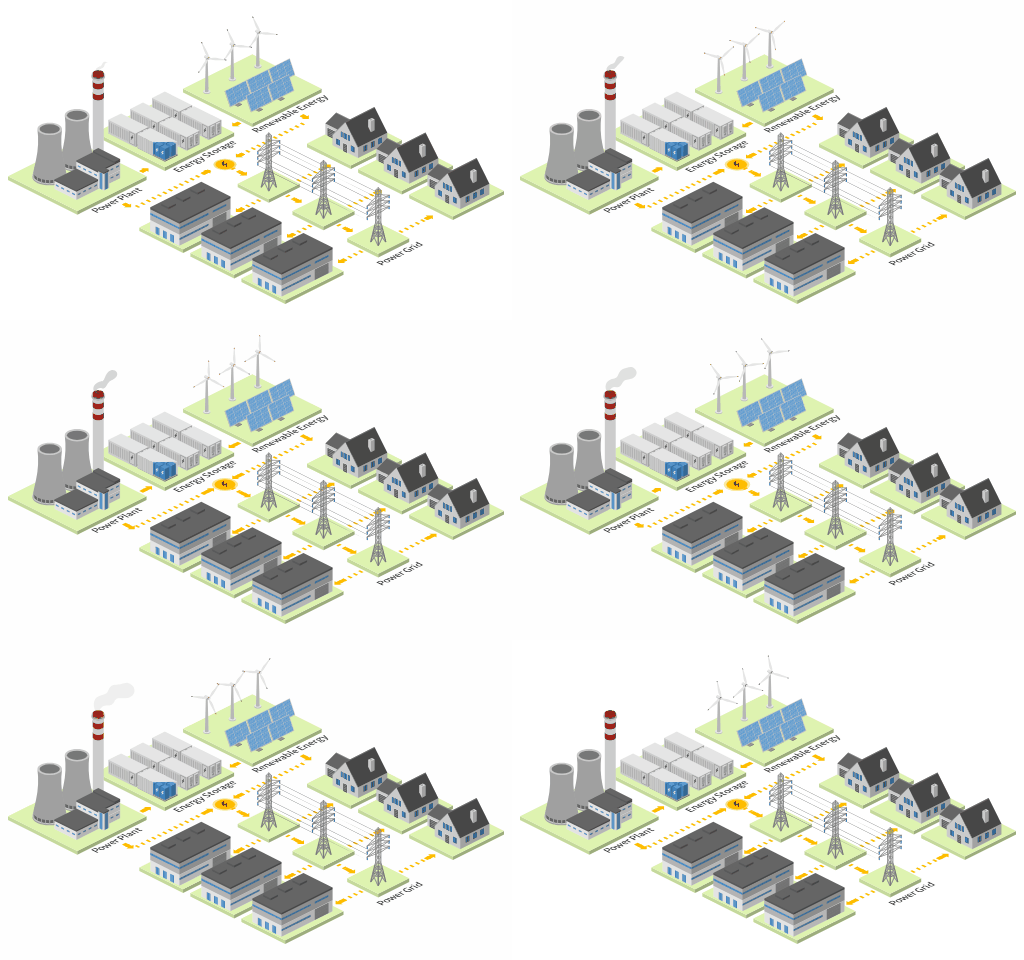
For example, an interactive supply chain diagram could let users click on warehouses, factories, transport vehicles, or distribution centers to view additional details about each stage. You could show product information, transportation routes, processing steps, or links to related resources. This approach helps you present complex supply chain information without overcrowding the original design. Users can explore each part of the process at their own pace while keeping the overall diagram clear and easy to understand.
Depending on your project, interactive SVG elements can reveal additional information when users hover over or click on objects. You can display descriptions, photos, links, or hidden content without overcrowding your design. You can also highlight important areas, filter objects by category, or guide users through complex layouts step by step. Because SVG graphics scale without losing quality, they work equally well on desktop and mobile devices.
Why Use Interactive SVG Graphics?
Interactive SVG graphics combine the flexibility of vector graphics with user interaction. This makes them especially useful for websites, digital guides, online presentations, and interactive documentation.
Keep Your Design Clean
You do not need to place every piece of information directly on the graphic. Instead, users can interact with selected objects to discover more details. This can make complex maps and diagrams much easier to understand.
Make Information Easier to Explore
Interactive elements can guide users through your design naturally. They can choose what interests them instead of reading everything at once.
Keep Graphics Sharp at Any Size
SVG is a vector format, so your graphics remain sharp when resized. This makes SVG a practical choice for responsive websites and high-resolution displays.
Add More Value to Existing Designs
You do not need to start with a completely different design. You can create your graphic in Icograms Designer and add interactivity afterwards. This makes interactive SVG a useful option for projects you have already created.
How to Create an Interactive SVG
Creating the visual part of your project is simple with Icograms Designer. You can prepare your graphic yourself and then contact us for adding interactivity.
When preparing your design, think about which objects users should interact with. Grouping these elements can help us understand your requirements and prepare the SVG more efficiently.
You can also tell us what should happen when users interact with each object. For example, you may want an area to highlight or information to appear. Since every project is different, we can customize the interaction to match your requirements.
We Are Looking for Early Projects
Interactive SVG is a new service we are currently exploring at Icograms. We want to understand how our users would like to use interactive graphics and which types of interactions are most valuable. You cannot currently create an interactive SVG directly inside Icograms Designer. However, you can create your design, export it as SVG, and send the file to us. We can then add the requested interactive functionality based on your project. If you already have an Icograms map, floor plan, diagram, or infographic, it may be a great candidate for an interactive SVG.
Have an idea for an interactive SVG? Contact us and tell us what you would like to make interactive. Your project can help us shape future interactive features in Icograms Designer.
Interactive SVG Works with Any Icograms Template
Interactive SVG is not limited to one type of project. You can turn many Icograms designs into interactive graphics, from maps and floor plans to diagrams and infographics. Here are some popular ways you can use interactive SVG with Icograms Designer.
Interactive SVG is a great fit for many types of projects, including:
Interactive Maps
Create interactive maps for events, festivals, campuses, resorts, parks, and other locations. Let users click or hover over buildings, attractions, entrances, parking areas, or other points of interest to discover more information.
Interactive Floor Plans
Turn office, venue, exhibition, or facility floor plans into interactive guides. Users can explore rooms, workspaces, meeting areas, entrances, and other spaces without filling the layout with too much text.
Interactive Hospital Site Maps
Make complex hospital sites easier to navigate. Users can interact with buildings, departments, entrances, parking areas, emergency services, and other important locations to find the information they need.
Interactive Retail Store and Warehouse Layouts
Help customers, employees, or visitors explore retail and warehouse layouts. Interactive elements can highlight departments, product areas, storage zones, loading docks, equipment, checkout areas, and other key locations.
Interactive Diagrams and Infographics
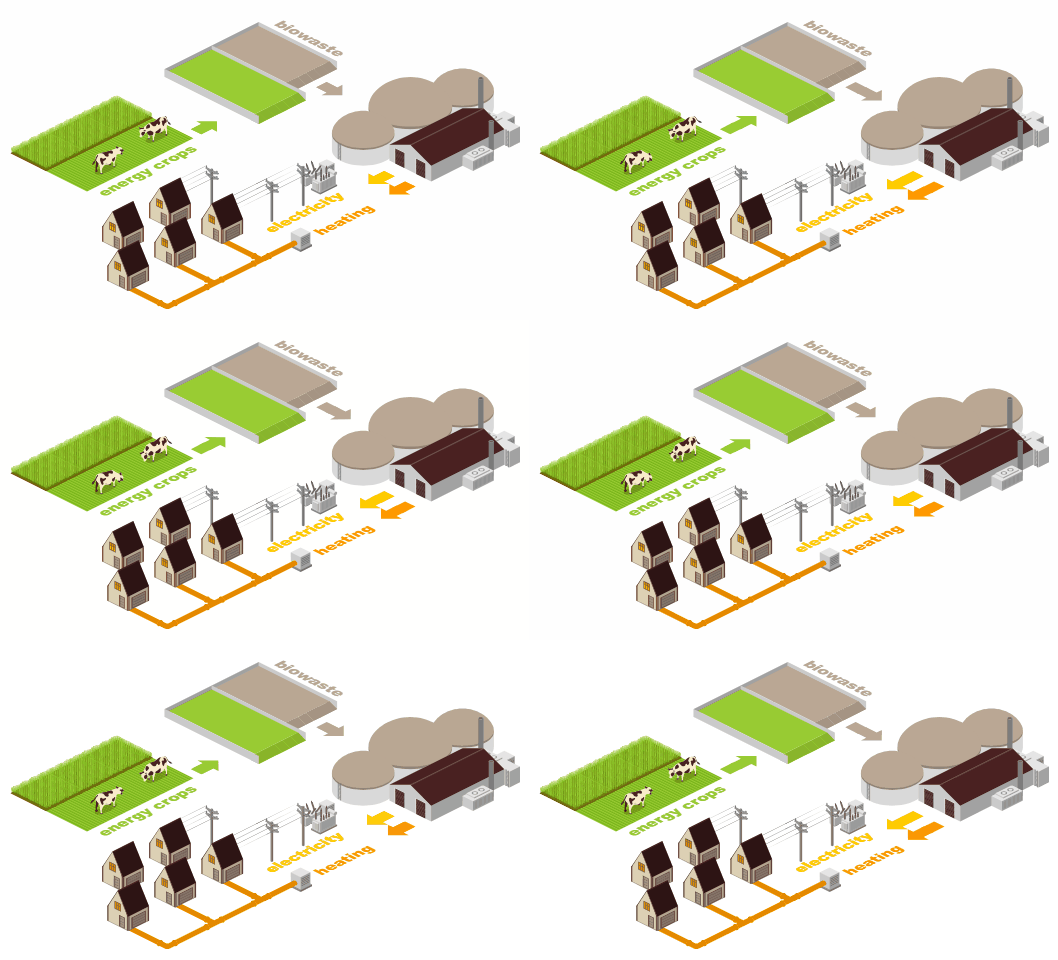
Interactive SVG also works beyond maps and layouts. Add interactivity to supply chain diagrams, technical illustrations, processes, systems, and infographics. Users can explore individual elements to reveal additional information while keeping the overall graphic clear and easy to follow.
Icograms is already used to create thousands of visual projects across many industries. Many examples in our gallery could become interactive simply by adding hover effects, clickable objects, information panels, or navigation links.