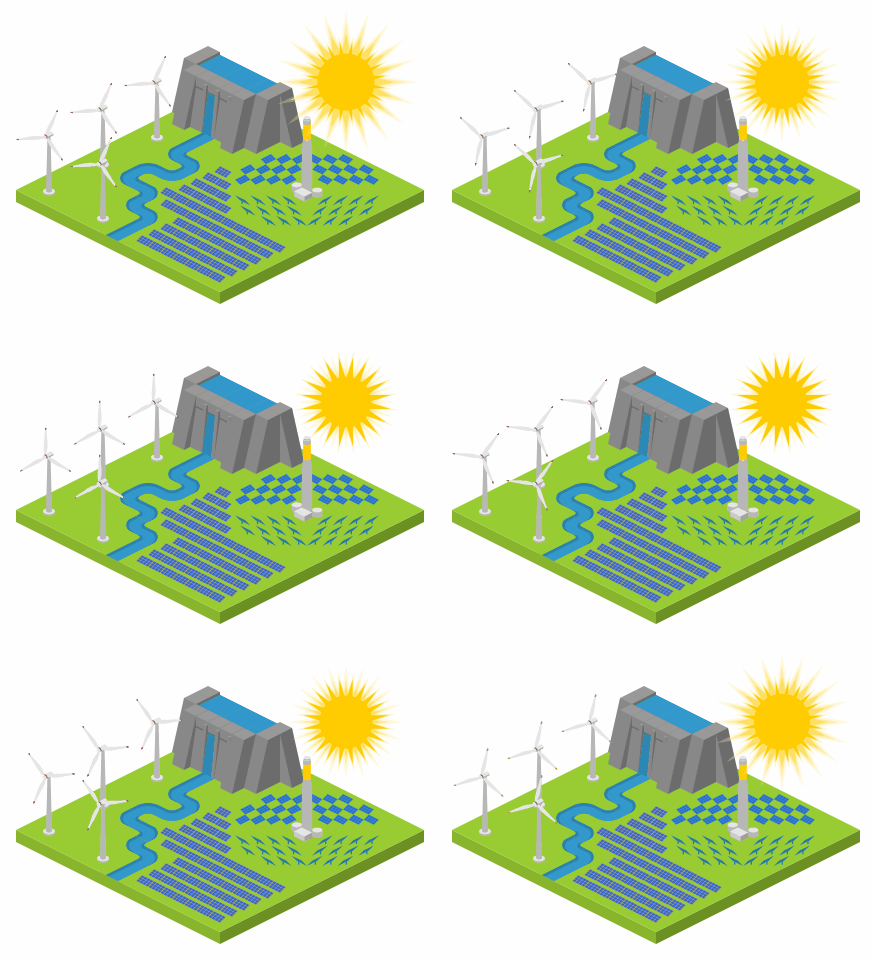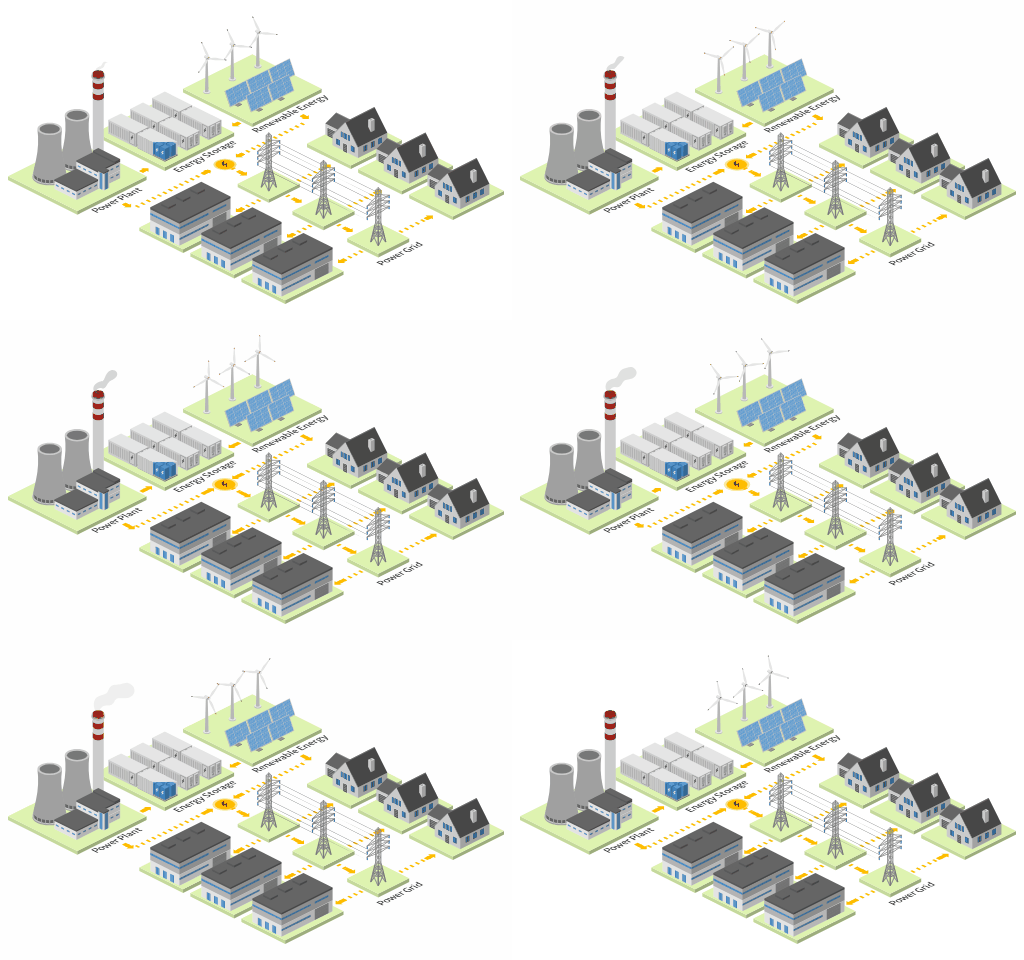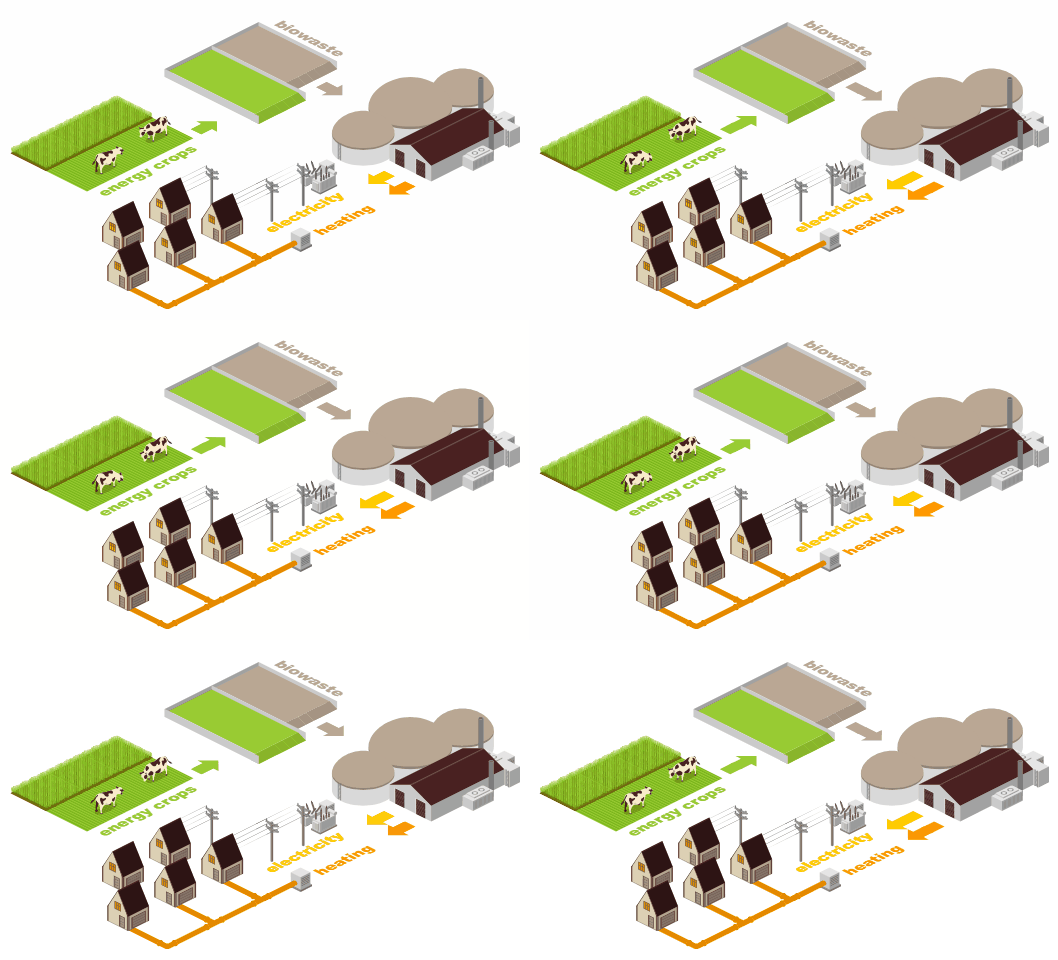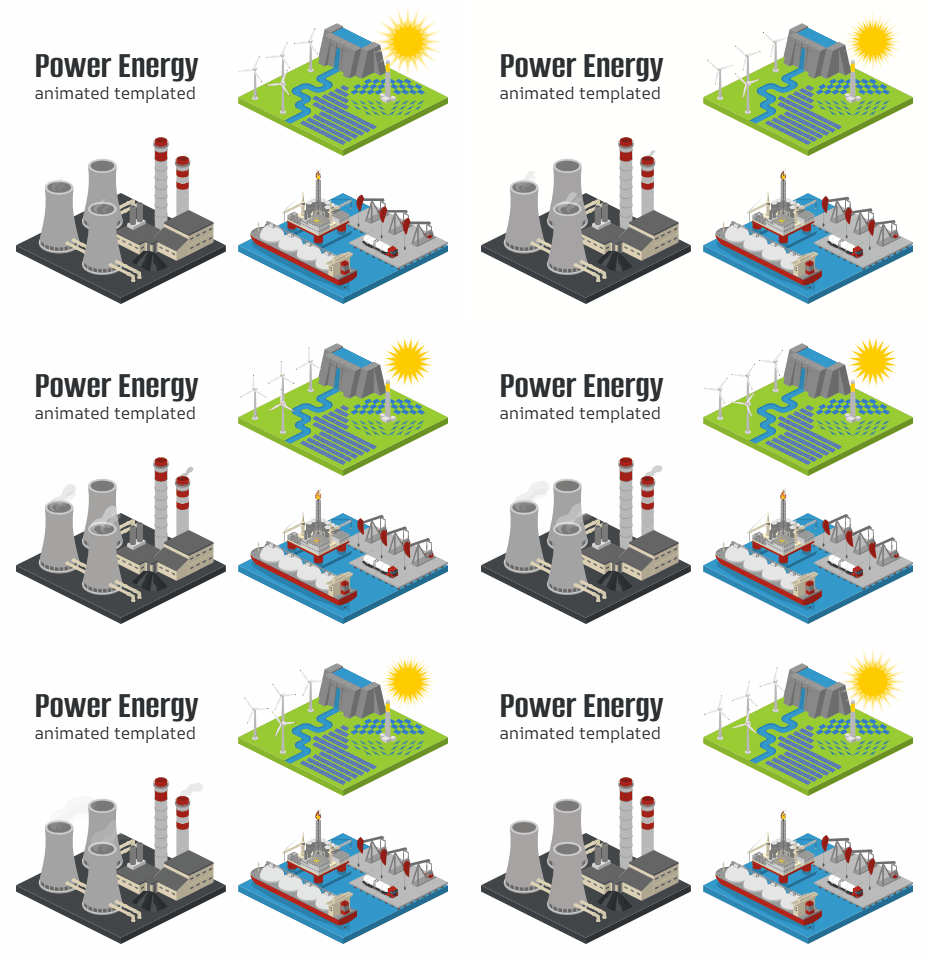

What Is Animated SVG?
SVG animation adds movement to scalable vector graphics. Unlike traditional animated images, SVG files can remain sharp at different sizes while supporting interactive and visual effects. Animation can make these visuals easier to understand and more enjoyable to explore.
With Icograms Designer, you can create your graphic using the familiar Designer environment and use available animated elements to add motion to your composition. The result is a visual that communicates more than a static image can.
Create Animated Graphics in Icograms Designer
Icograms Designer gives you a visual way to create your graphics and experiment with animated elements. You can start with a map, illustration, diagram, infographic, or another visual project. Add the elements you need, arrange them on the canvas, and customize the design to match your project. When animated icons or templates are available for your chosen use case, you can incorporate them into your design. This makes it easier to create motion while keeping your overall visual style consistent.Because the feature is still in beta, the available animated content is more limited than the standard Icograms library. However, the foundation is already there for creating more dynamic visuals.
Where Can You Use SVG Animation?
Animation can make many types of visual content more effective. You can use animated graphics when movement helps explain an idea or attract attention to an important element.Animated Maps. Imagine a city map with moving cars, a transportation map with animated vehicles, or an event map with people moving between areas. Small animations can make your map feel more alive. You can use motion to draw attention to specific locations. For example, an animated object could highlight an entrance, attraction, parking area, or important facility.
Animated Diagrams. Diagrams often explain processes, systems, and relationships. Animation can help you show how these elements connect. You could use movement to demonstrate a workflow, show the direction of a process, or guide viewers from one step to another.
Animated Infographics. Infographics are designed to make information easier to understand. Adding movement can make important statistics, categories, or visual elements stand out. For example, an animated arrow can direct attention toward a key number. A moving element can demonstrate a process or make a visual comparison easier to follow. The goal is not to animate everything. A few carefully chosen movements can often have a stronger effect.
Animated Illustrations. You can also use animation to make illustrated scenes more dynamic. This can be useful for websites, presentations, educational materials, digital signage, and other visual content. A small amount of movement can transform an ordinary illustration into something that immediately catches the viewer's attention.
Why Use Animated SVG?
One of the biggest advantages of SVG is scalability. SVG graphics are vector-based, so they can maintain their visual quality across different screen sizes. That makes animated SVG particularly useful for websites and digital experiences where your graphics may appear on different devices.Animation can also improve visual communication. Instead of relying only on labels and static shapes, you can use movement to show relationships and actions. You can guide attention, explain sequences, emphasize important areas, and create a more memorable visual experience.
Start Creating Animated Visuals
Animated SVG gives you another way to make your visual communication more engaging. You can use movement to highlight information, explain processes, guide viewers, or simply make your graphics more interesting.With Icograms Designer, you can create your graphic in the same visual workspace you already know. You can experiment with available animated icons and templates and see how motion changes your design.
The animated SVG feature in Icograms Designer is in beta. This means you can already create animated graphics, but the available animated content is currently limited. The standard Icograms library contains many static icons and templates, while the animated collection is still being developed. Only certain objects or templates currently support animation. This is an early stage of the feature, and the library can grow over time with more animated elements and use cases.
You are not limited to static visuals anymore. Create your graphic, add motion where it matters, and bring your SVG designs to life with Icograms Designer.